
Edit THC and CBD on a product or lot
THC and CBD are kept twice: for the product as your store sells it, and for each lot, from that lot’s own test. The POS shows your store’s numbers on the product, and the lot’s numbers once a lot is on the sale line.
Your store’s numbers
Section titled “Your store’s numbers”-
In the menu, click Products, then Products. Search for the item and click its name.
-
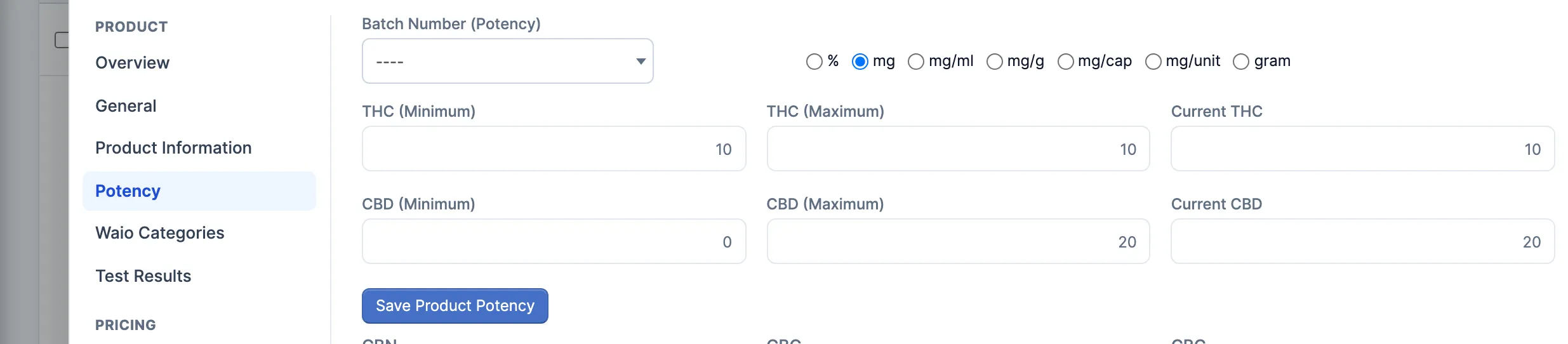
Click Potency (under Product). Leave Batch Number (Potency) on ––.
-
Pick the unit the package uses: % for flower, pre-rolls, vapes and concentrates, mg (or mg/ml, mg/cap, mg/unit) for edibles, oils and capsules.
-
Fix THC (Minimum), THC (Maximum) and Current THC, and the three CBD boxes.
-
Click Save Changes (bottom right).
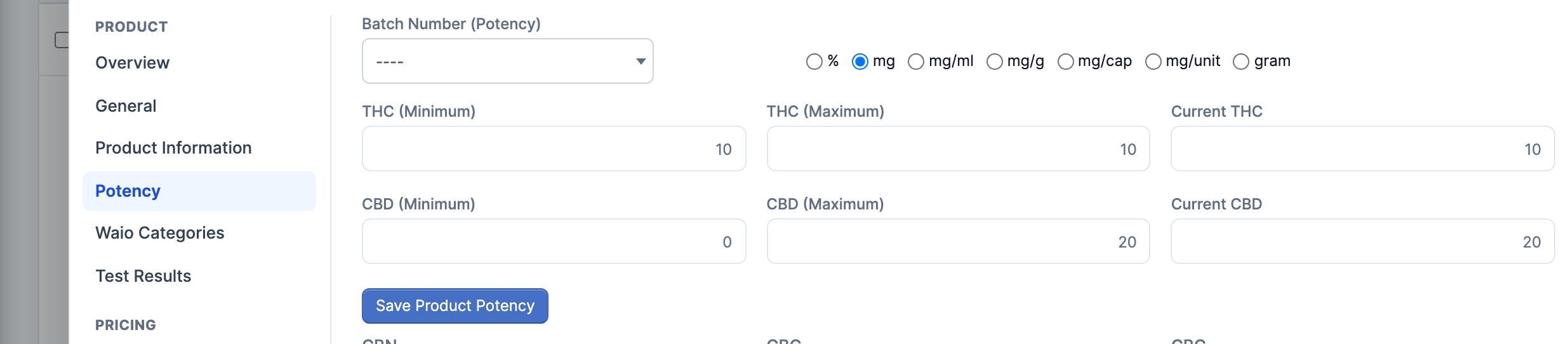
Save Product Potency saves the boxes as the product’s own numbers, the ones Head Office keeps. The POS doesn’t show those, so use Save Changes for your store. At Head Office the boxes are the product’s own numbers to begin with.
One lot’s reading
Section titled “One lot’s reading”-
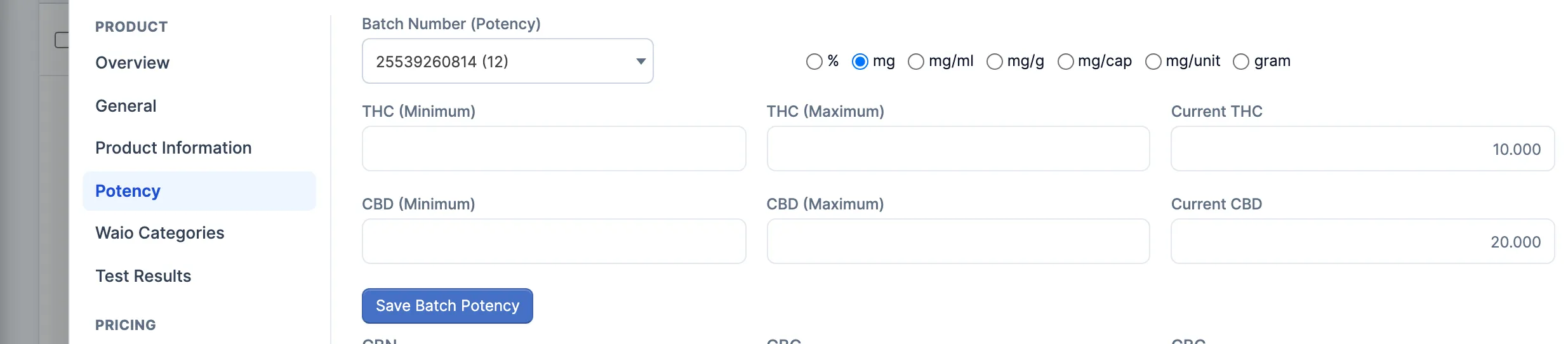
On Potency, pick the lot in Batch Number (Potency). Its on-hand is in brackets. The boxes now show that lot’s reading, and the button reads Save Batch Potency.
-
Fix Current THC and Current CBD, and the ranges if the lab gave one.
-
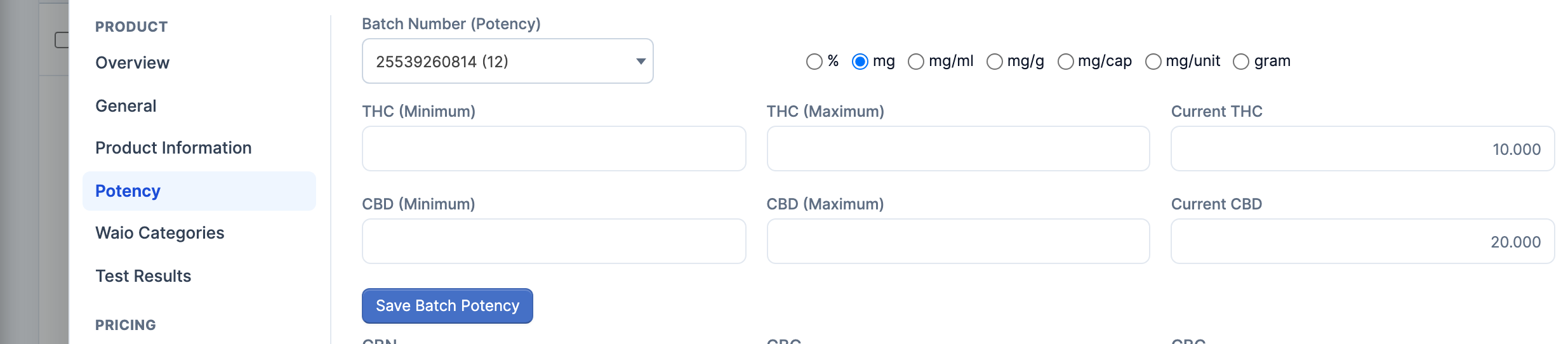
Click Save Batch Potency. A message confirms the lot.
Where the POS reads them
Section titled “Where the POS reads them”- On the product card: your store’s numbers. It shows THC (Minimum) when that’s filled in, otherwise Current THC, and the same for CBD.
- Once a lot is picked, on the sale line, the product view or Batch: that lot’s Current THC and Current CBD. A lot with no reading shows your store’s numbers instead.
- The unit is your store’s for both:
26%, or10 mgfor anything not in %.
Good to know
Section titled “Good to know”- Receiving fills these in: THC and CBD on a receiving line become your store’s numbers and that lot’s reading.
- A lot’s reading is shared. Every store holding the lot sees your change.
- Picking a lot puts its numbers in the boxes. Pick –– again before you click Save Changes, or they’re saved as your store’s numbers too.