
Reset an access code or password
Use this when someone forgot their POS PIN or can’t get into the portal. What you can change depends on how your company signs in to the portal: with a password each person sets, or with an access code you give them.
Give someone a new POS PIN
Section titled “Give someone a new POS PIN”-
In the menu, click Staff.
-
Search for them in Search (right) and click their name.
-
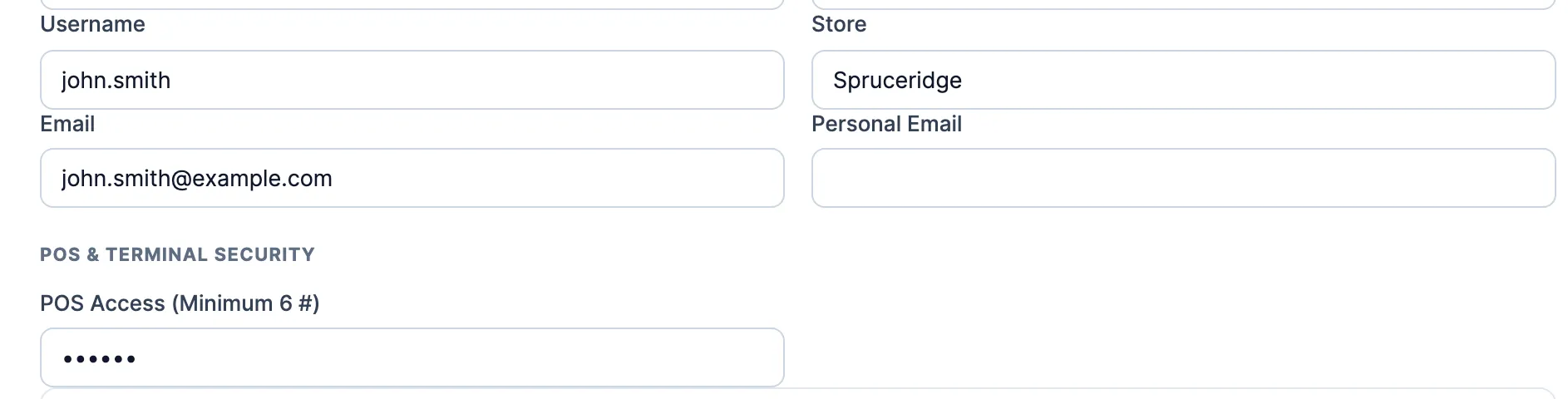
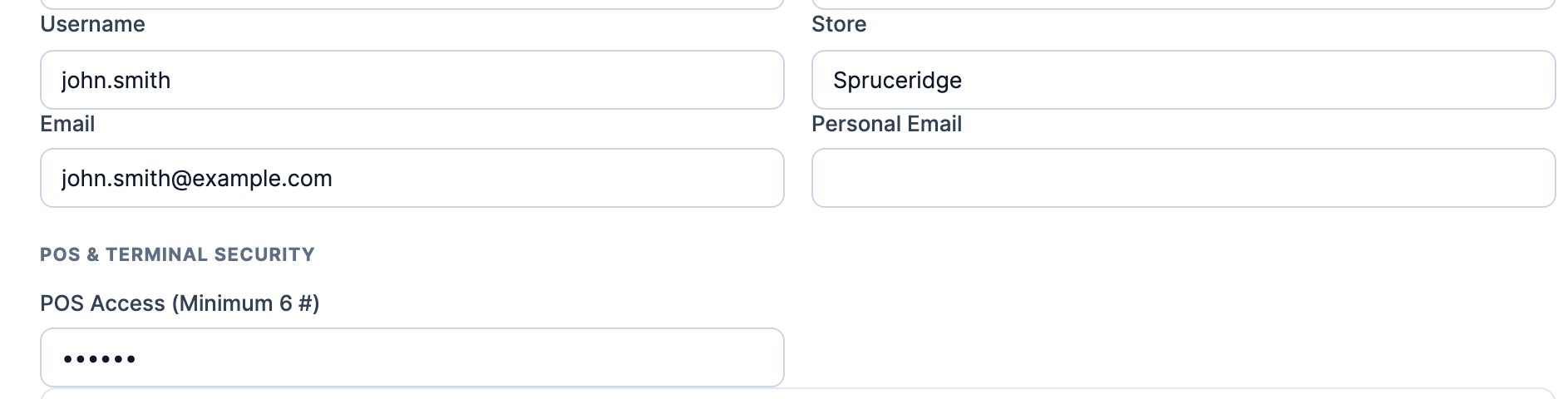
On the General tab, under POS & Terminal Security, clear the PIN box and type the new PIN. The box is one of these:
- POS Access (Minimum 6 #). Use 6 digits or more.
- Access Code (Numeric only), if your company signs in to the portal with access codes. This one code is both their POS PIN and their portal access code.
-
Click Save Changes. The new PIN works on the POS straight away. Tell them the new PIN in person.
If you see Access Code must be unique., pick a different PIN.
Get someone a new portal password
Section titled “Get someone a new portal password”If your company signs in with access codes, change Access Code (Numeric only) as above. That’s their new portal code too.
If your company signs in with passwords, you can’t set or see anyone’s password. They set a new one themselves:
- Open their staff record and check Email on the General tab. The reset link goes there. Fix it and click Save Changes if it’s wrong or empty.
- Ask them to click Forgot password? on the sign-in page and type that email address. See Sign in to the portal.
Reset your own
Section titled “Reset your own”- Portal password: click Forgot password? on the sign-in page. See Sign in to the portal.
- POS PIN: you can’t change it yourself. Ask a manager.
Good to know
Section titled “Good to know”- When you add a staff member who has an email, they get a Set your password email. The link works once, for 2 hours. After that they use Forgot password?.
- With access codes, the emailed link changes only the code they use for the portal. Their POS PIN stays the same until a manager changes it.
- With access codes, if Email login credentials (legacy PIN) is on in their Email Triggers tab, saving a new code emails it to them.