
Hold and recall a sale
Use this when a customer steps away mid-sale, for example to fetch their wallet, and you want to serve the next person. A held sale keeps its items and customer until someone recalls it.
Hold a sale
Section titled “Hold a sale”-
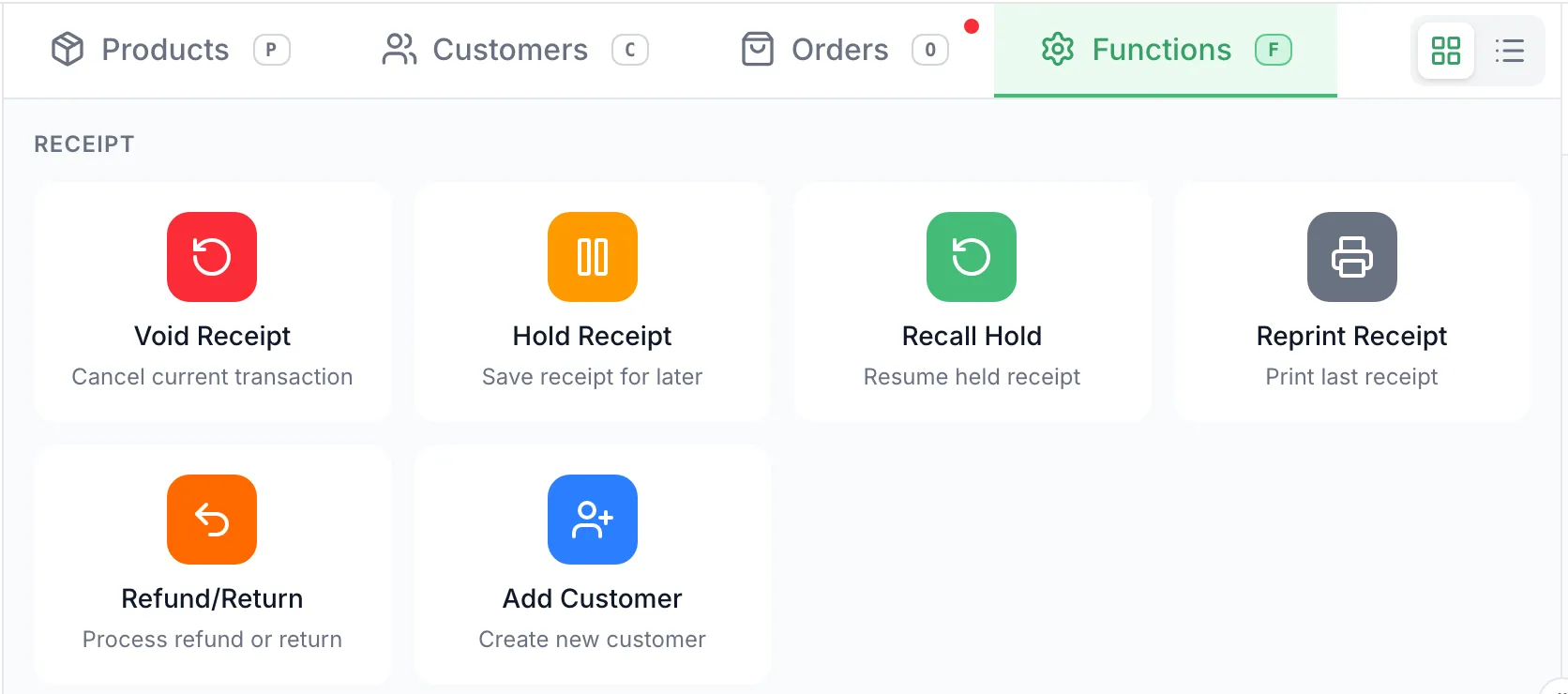
With the items in the cart, open Functions and tap Hold Receipt.
-
The POS shows Receipt Held and the cart clears. Some registers ask Print Hold Slip? first: tap Print for a slip to keep with the items, or Skip.
Recall it
Section titled “Recall it”-
Finish, hold or void any sale in the cart. Recall Hold won’t open over one.
-
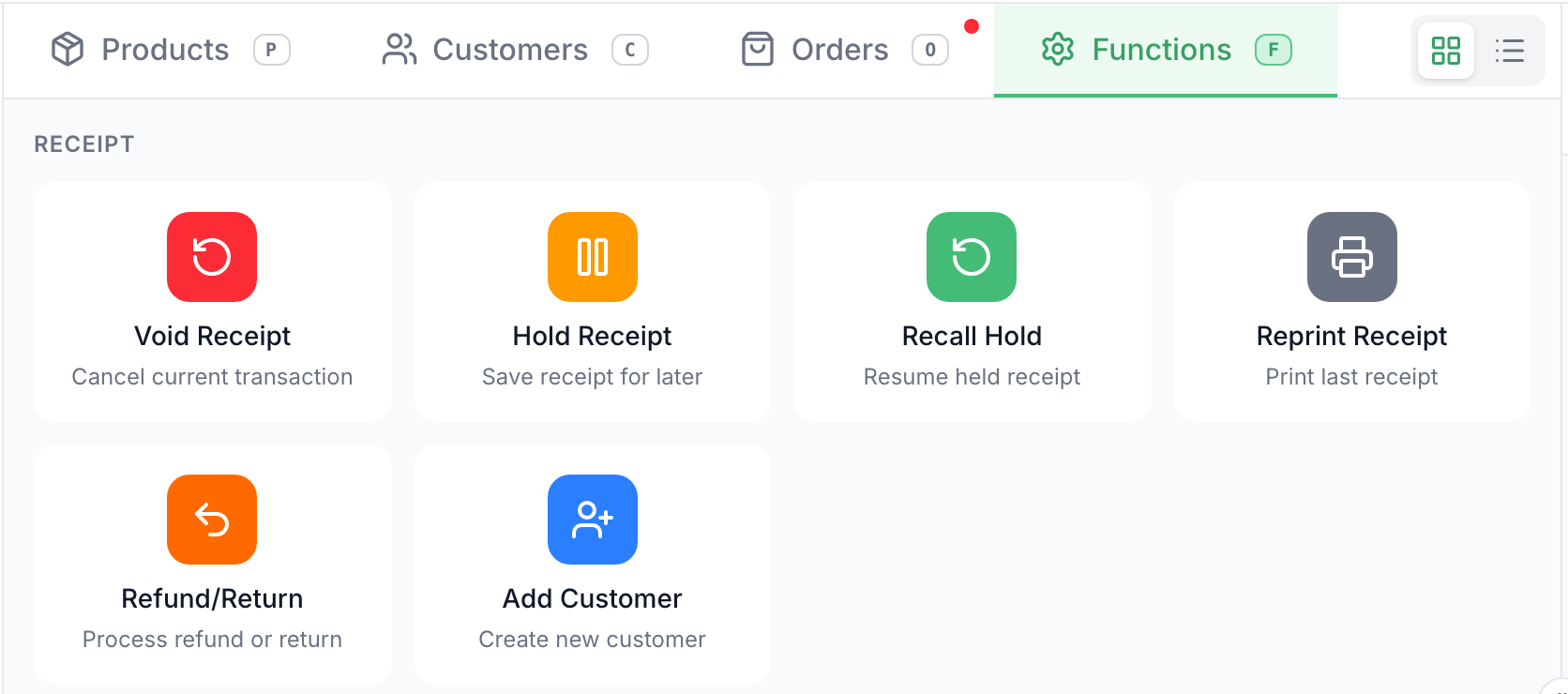
Open Functions and tap Recall Hold.
-
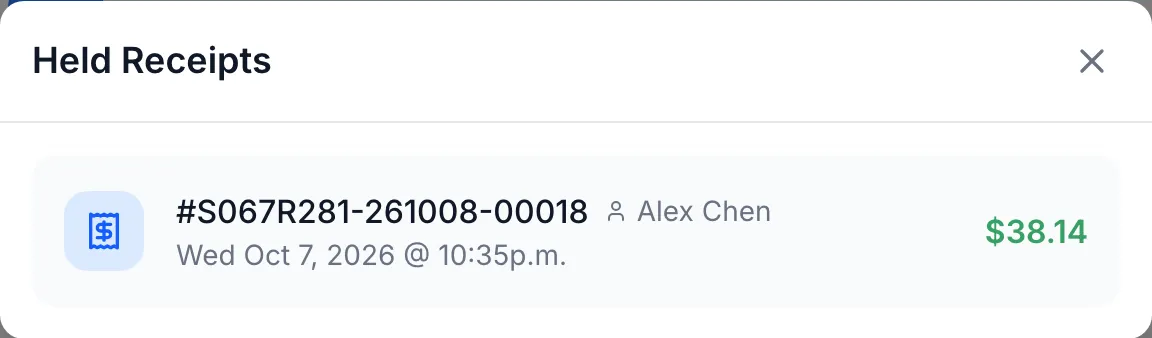
Under Held Receipts, tap the sale. Each one shows its receipt number, the customer if there is one, when it was held and its total.
-
The POS shows Receipt Recalled and the items and customer are back in the cart. Change anything you need, then take the payment.
Good to know
Section titled “Good to know”- Held sales belong to the store, not the register. Any register at the store can recall them.
- The list shows the 10 newest held sales, unless your store has set a different number. Don’t leave old holds sitting.
- To get rid of a held sale nobody is coming back for, recall it, then tap Void Receipt.