
Cash in at the start of a shift
Do this before the first sale of a shift, so the count at the end starts from the right float. Cash you take out during the shift is a cash drop, and the count at the end is Cash Out.
-
Sign in with your PIN. If the register has no shift open, Cash IN opens on its own.
-
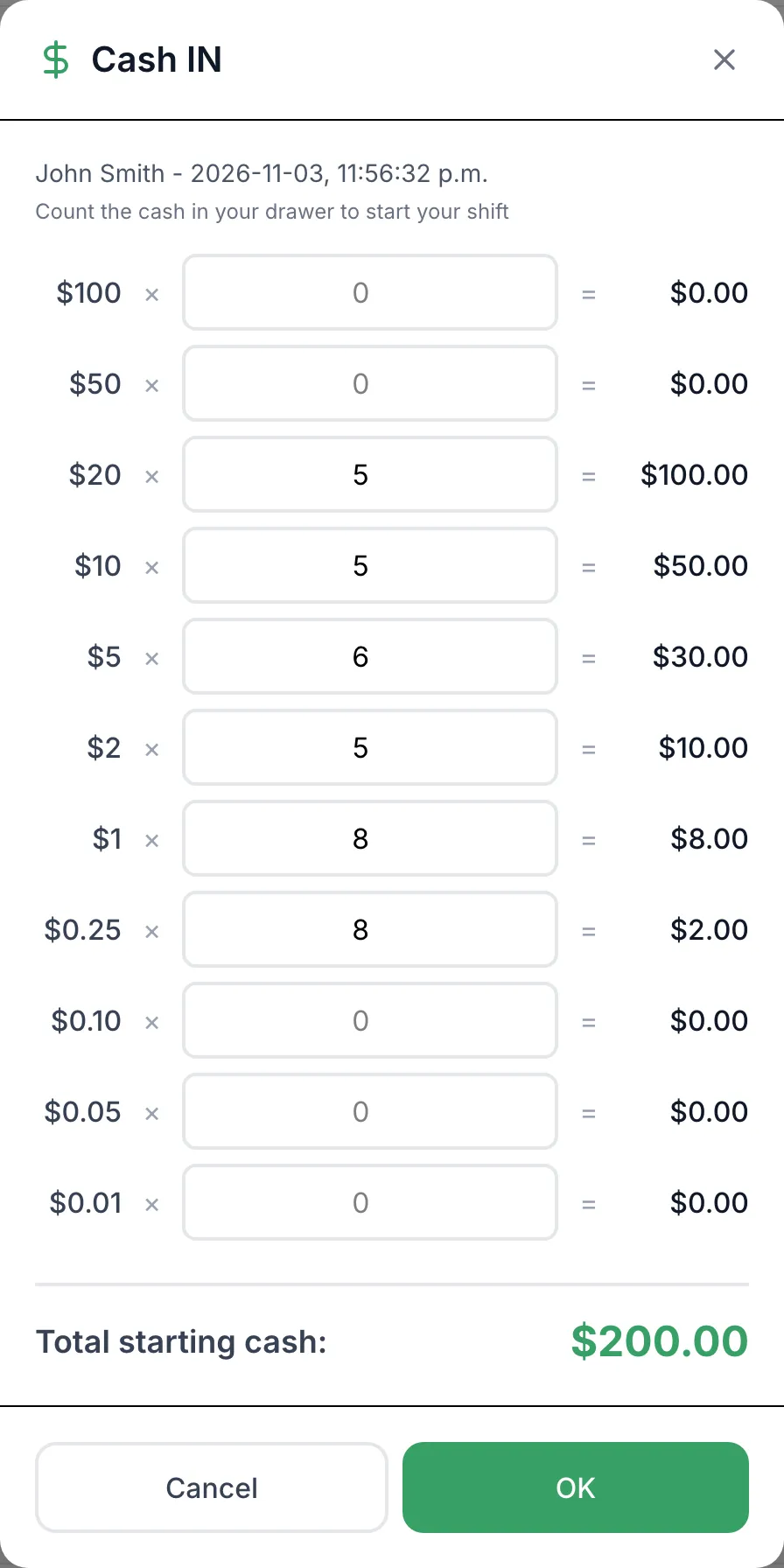
For each bill and coin in the drawer, type how many you have. Total starting cash: adds up as you go.
-
Tap OK.
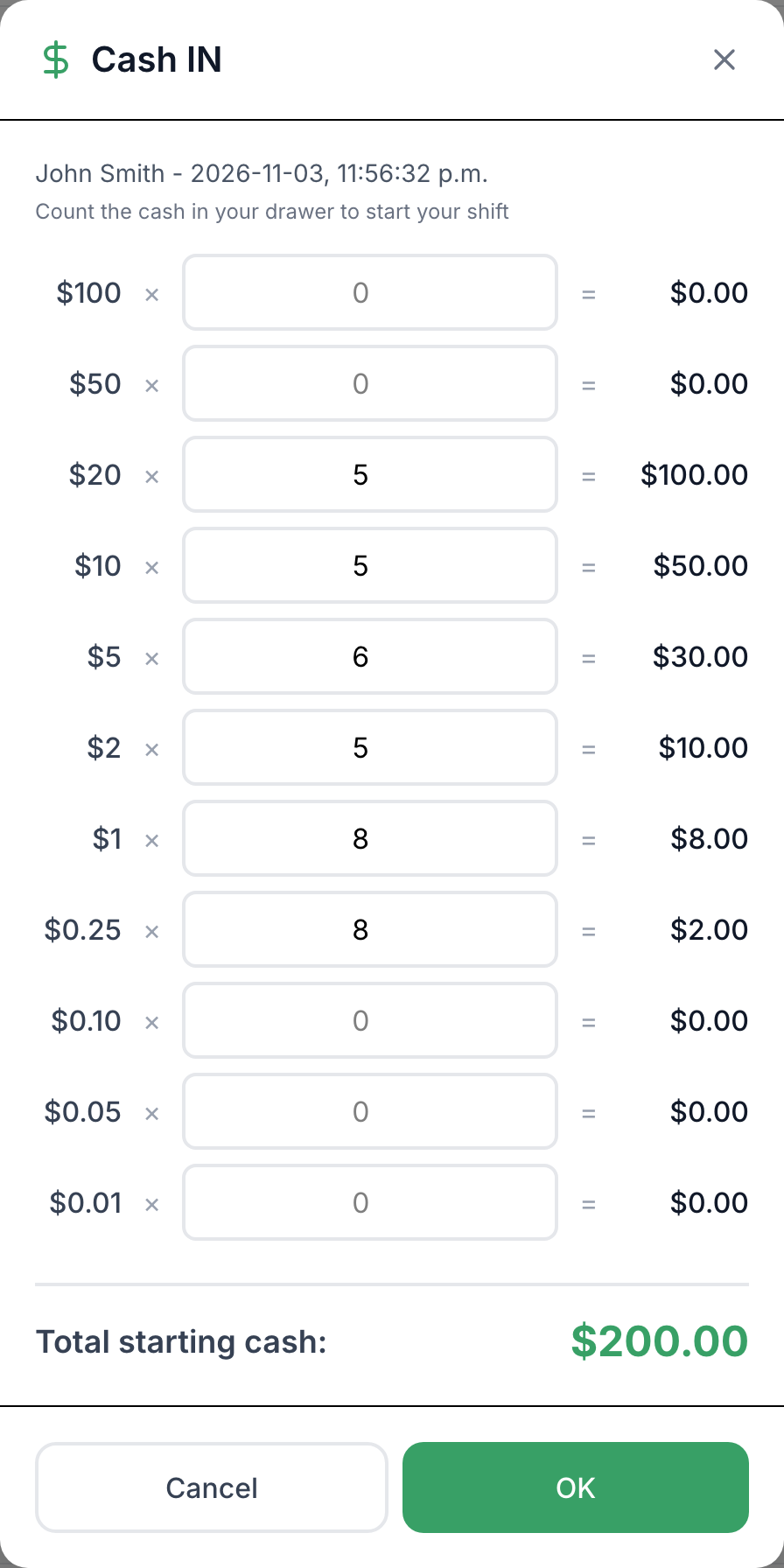
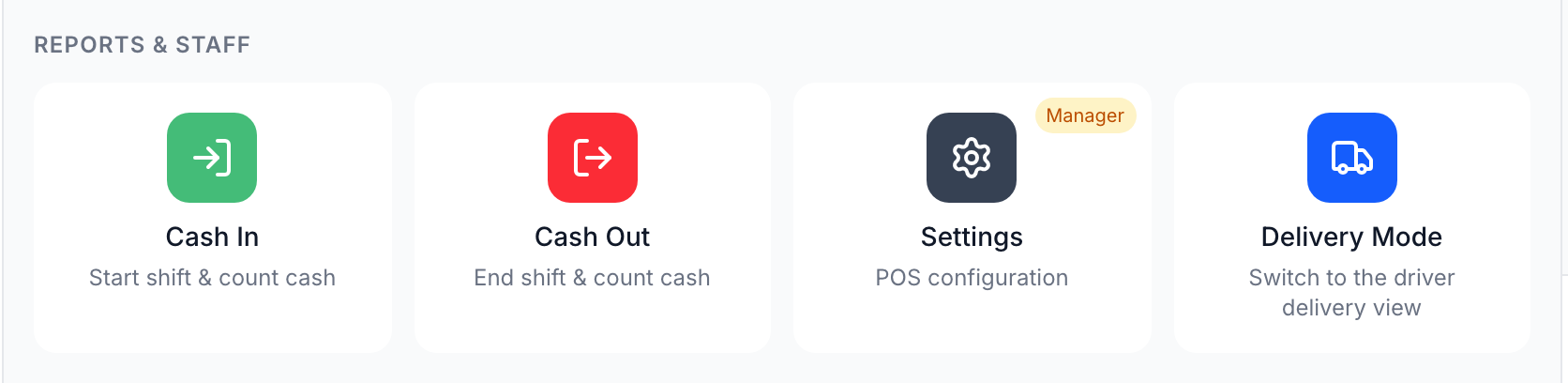
Closed it by mistake? Finish, hold or void any sale in the cart, then open Functions and tap Cash In. It also opens again the next time someone signs in with their PIN.
Good to know
Section titled “Good to know”- Once the shift is open, Cash In shows Read-Only: Shift Drawer Count. The starting count can’t be changed from the POS.
- The shift belongs to the register: one cash in until someone cashes it out. If your store has Cash Out by staff member on, each staff member cashes in and out on their own.
- Skipping the cash in doesn’t stop sales, but the cash out then starts from $0 and the float in the drawer counts as variance.