
Change a role or permissions
Use this for one person: a promotion, a new job, or one thing they need that their role doesn’t give them. To change what everyone in a role can do, edit the role instead. See How roles and permissions work.
-
In the menu, click Staff.
-
Type their username in Search staff…, press Enter, and click their name. The staff editor opens.
-
To change their role: on General, pick the new Role. Every switch on their Permissions, Access, Reports and Email Triggers tabs changes to the new role’s settings.
- The list only has roles at your level or below.
- A role marked (Not Allowed) is one your role can’t give. It can’t be picked.
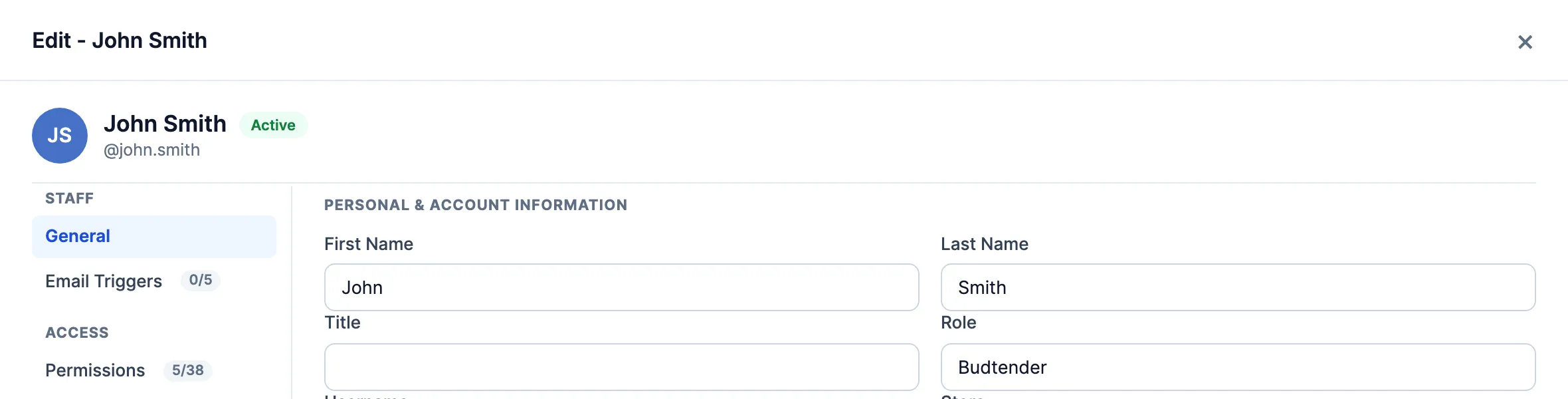
-
To change one permission for just them: open Permissions or Access and click its switch. To find one, type in the box above the switches, for example
refund. The Reports tab only shows when Reports Menu & Home Page is on.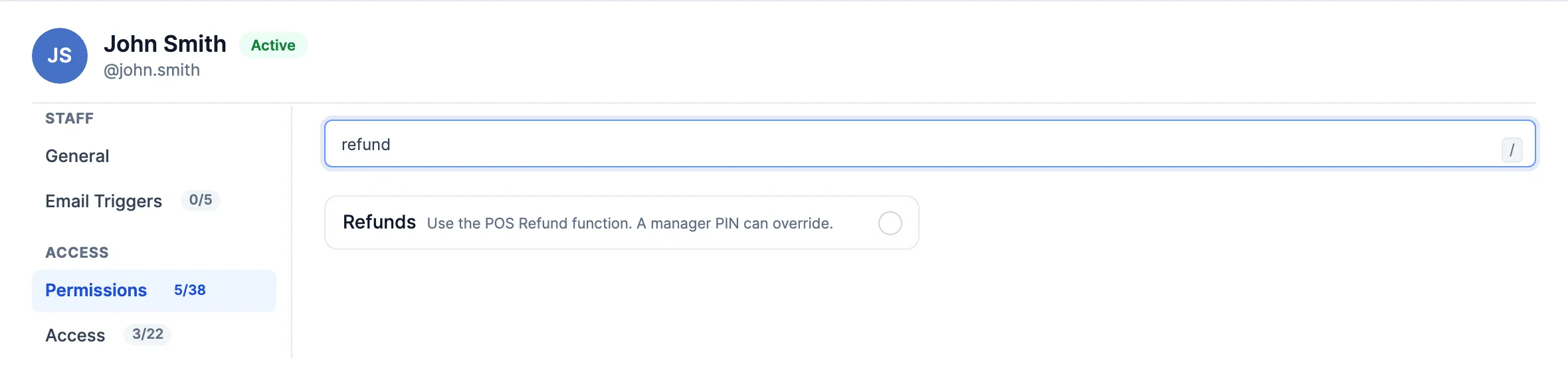
-
Click Save Changes. If it’s refused, the message says why:
- Permission fields can only be updated from Head Office. You changed a switch while signed in to a store. Switch to Head Office and try again.
- Permission Denied! Your role isn’t allowed to move them off their current role, or onto the new one.
- Only staff with Edit Roles can give or take away Edit Roles, by setting or by role. The switch you changed, or the role you picked, gives or takes away Edit Roles, and you don’t have it.
Good to know
Section titled “Good to know”- Saving a role on Staff Roles puts that role’s settings back on everyone who has it. A switch you changed here by hand is undone the next time someone saves their role. If several people need it, change the role.
- Picking a role loads that role’s settings, even if it’s the role they already had. If you picked the wrong one, click Cancel and open them again. Their own changes come back.
- If the editor opens but you can’t change anything, your company only lets Head Office edit staff. Ask Head Office.