
Do a cash drop
Use this when the drawer holds too much cash and you move some to the safe or the office. Drop Cash sits inside Cash Out, but it doesn’t end the shift. The end-of-shift count is Cash Out.
-
Finish, hold or void any sale in the cart.
-
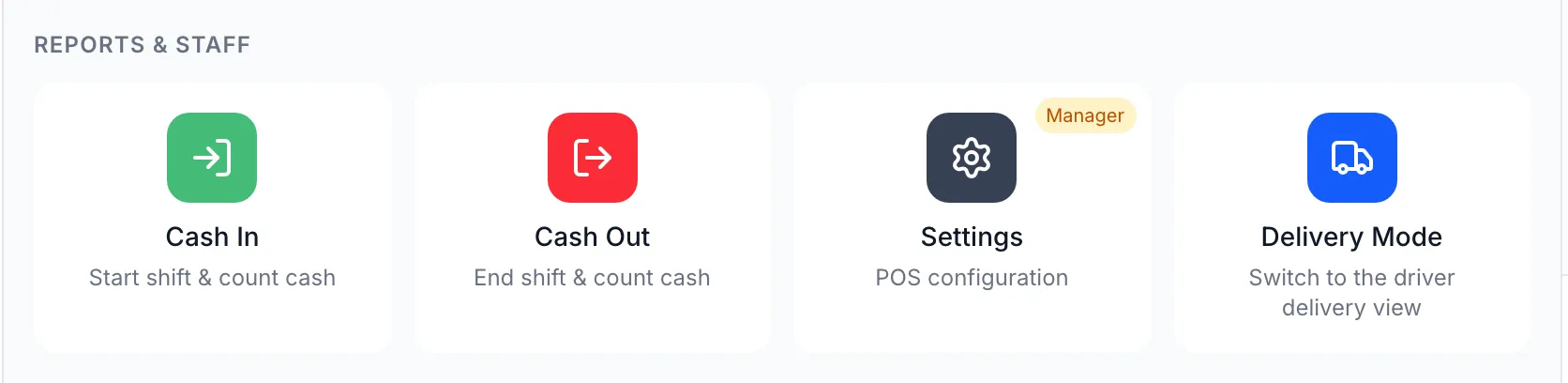
Open Functions and tap Cash Out. Close Drawer Count opens.
-
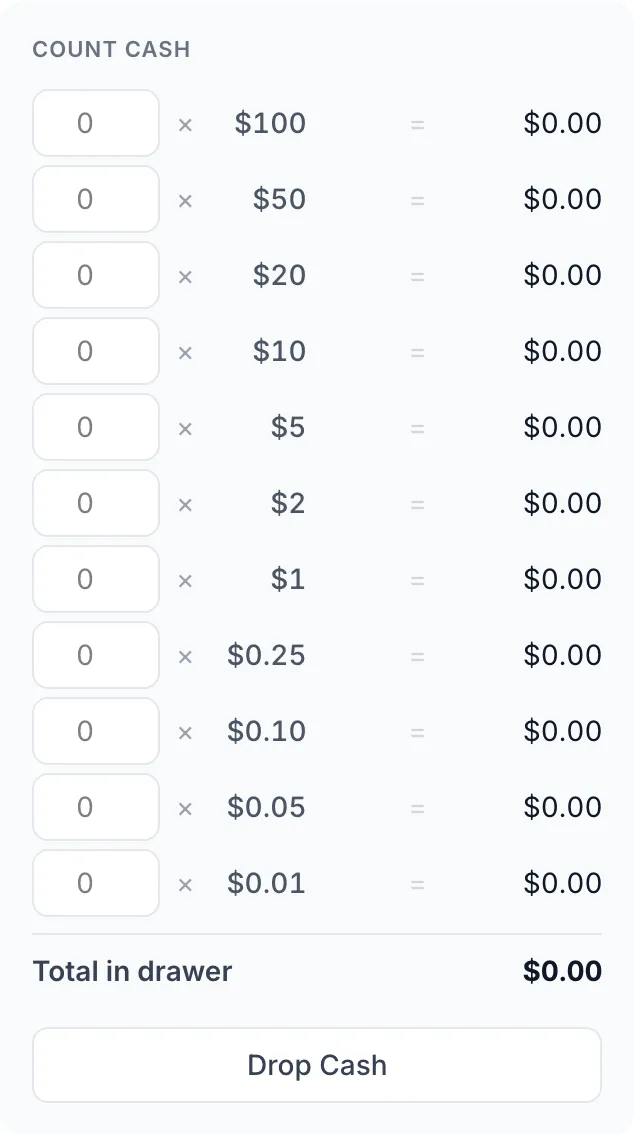
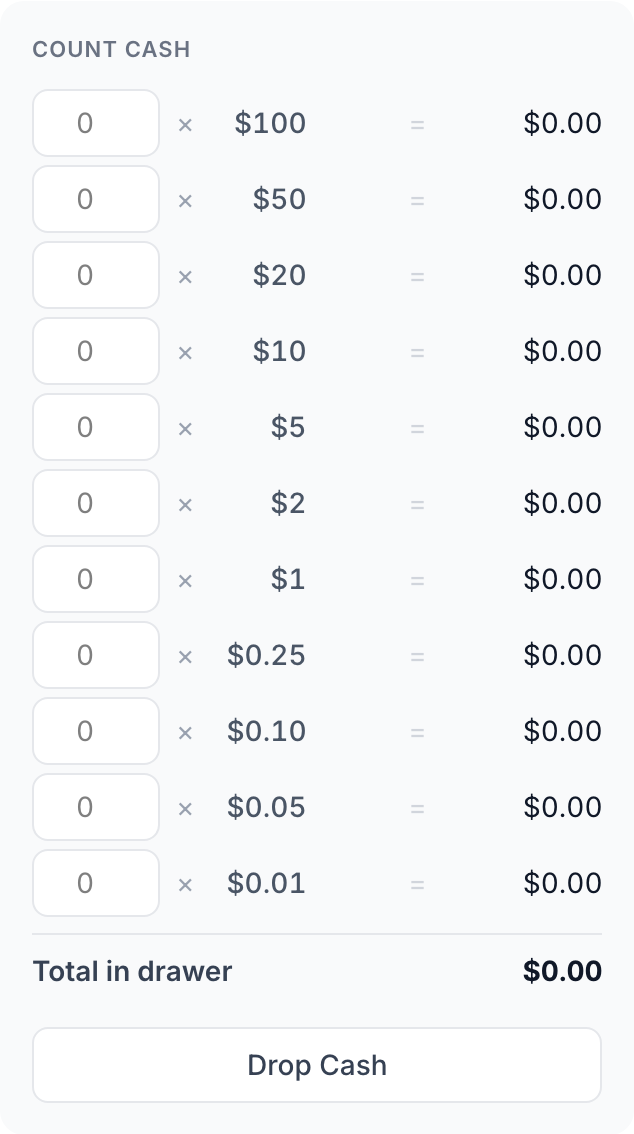
Tap Drop Cash, under Count Cash.
-
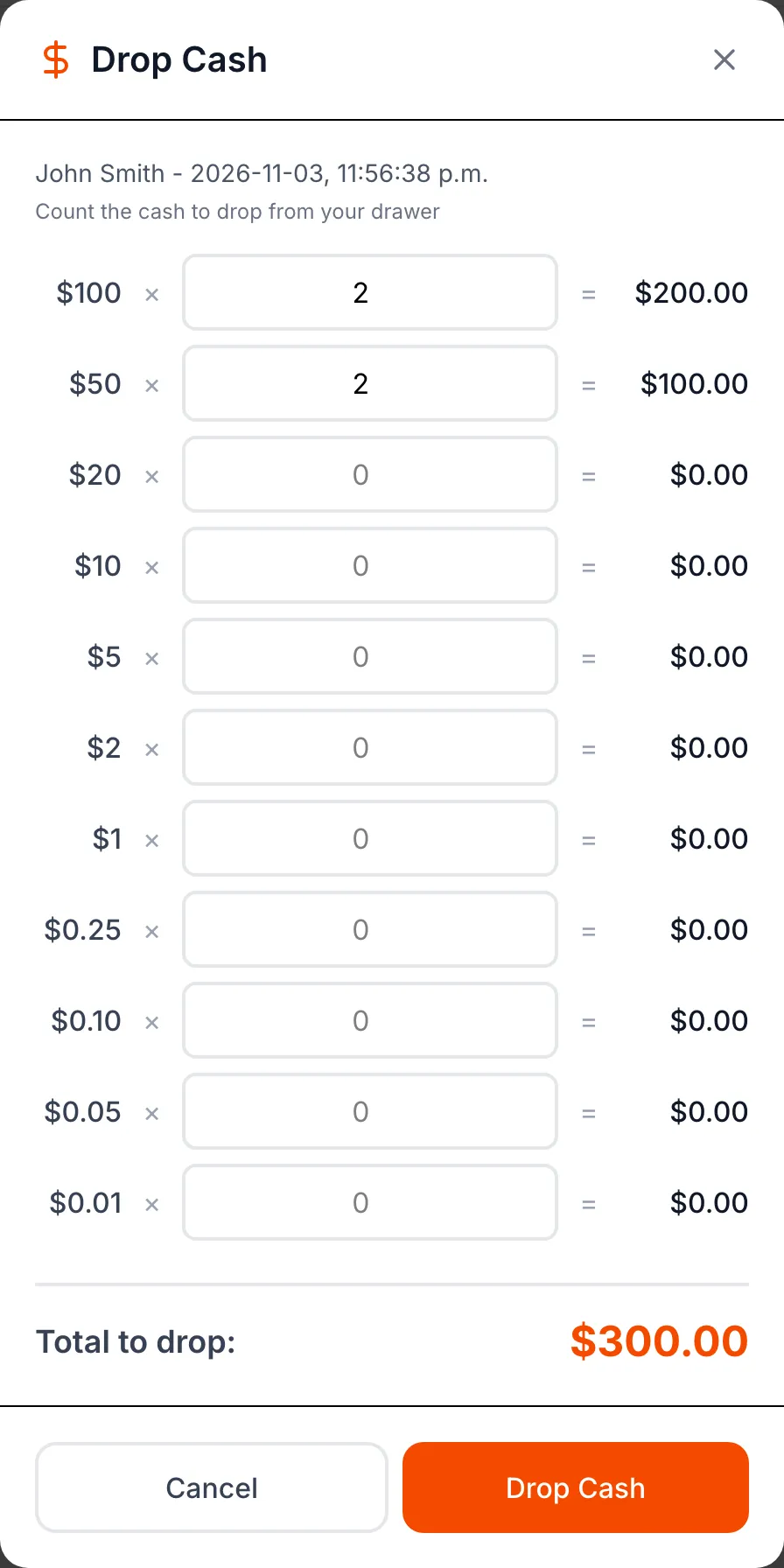
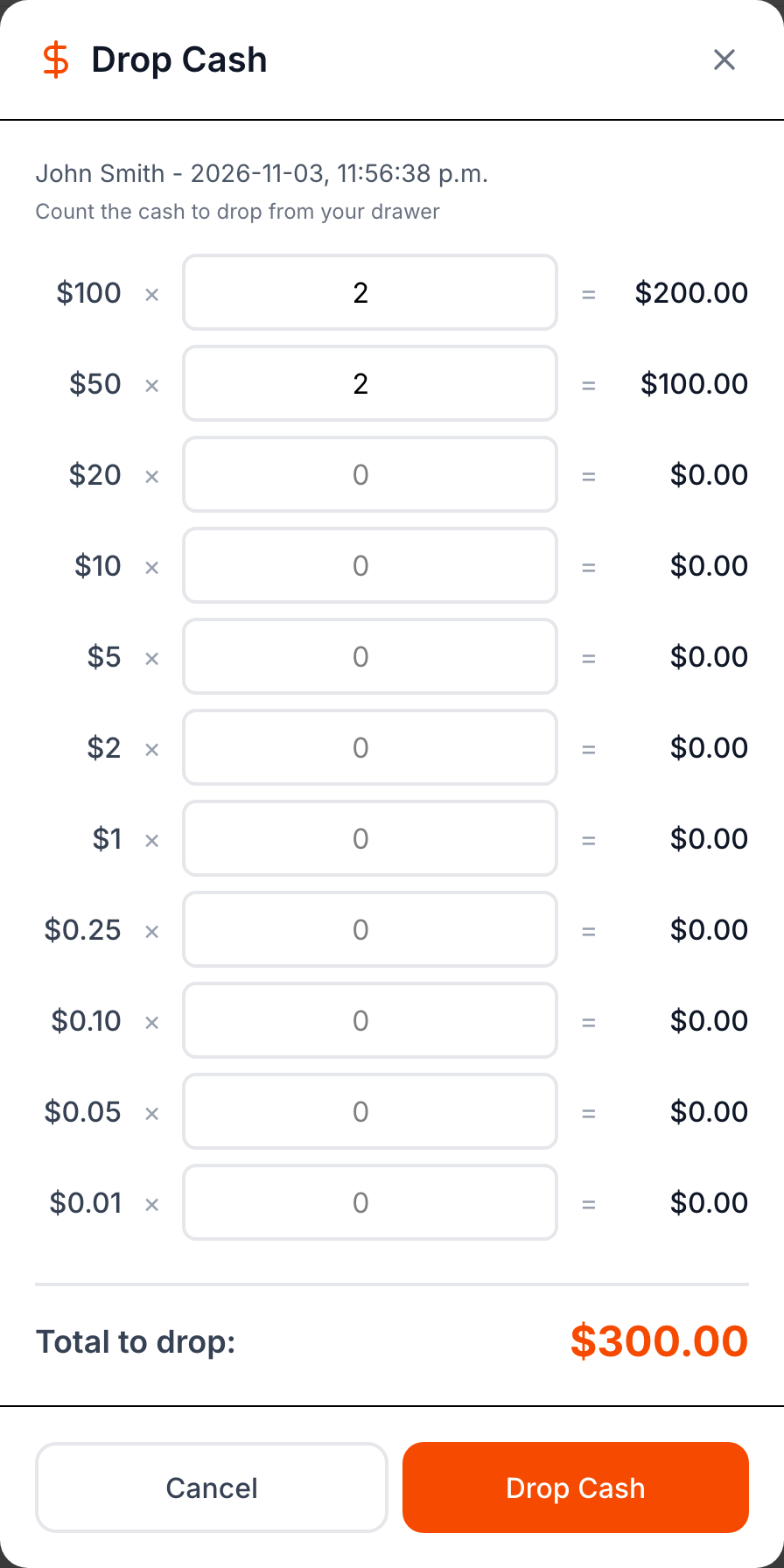
Count the cash you’re taking out: for each bill and coin, type how many. Check Total to drop:.
-
Tap Drop Cash. The POS shows Successfully dropped $… from drawer and the receipt printer prints a Drop Cash for $… slip. Keep the slip with the cash.
-
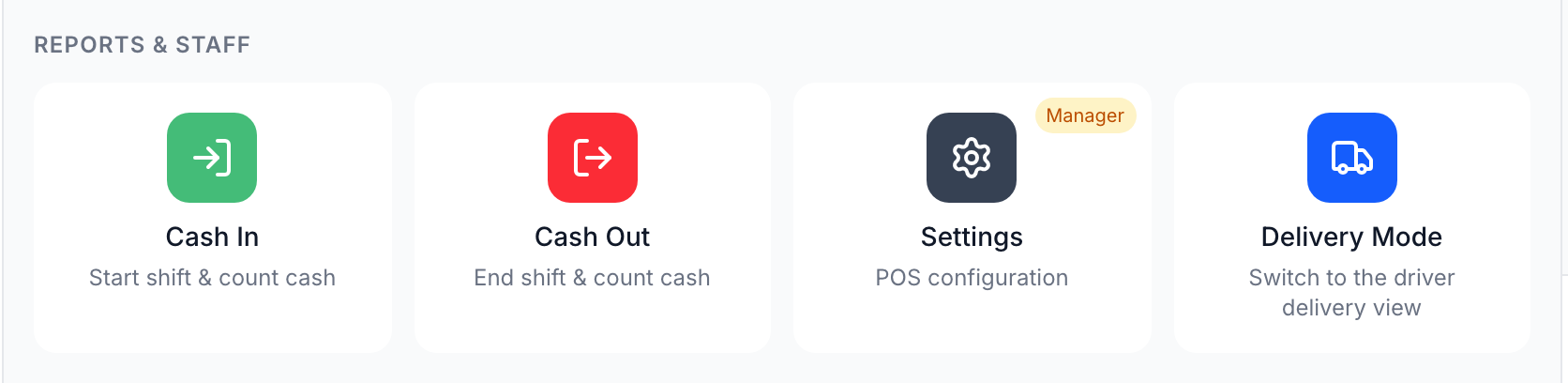
Tap Cancel to close Close Drawer Count. Don’t tap Cash Out: that ends the shift.
Good to know
Section titled “Good to know”- The drop shows as Drop cash in the Shift Summary at Cash Out, and comes off the cash the POS expects in the drawer.
- There’s no undo on the POS, so count before you tap Drop Cash.
- To open the drawer without a sale, tap No Sale on Functions.